The command servlet example below demonstrates how to use servlet with HTML.
The example provides the user HTML links where user can click any of these links.
The downloader example below demonstrates how to download different format of files in servlets.
The example allows the user to download various formats of files specified by servlets.
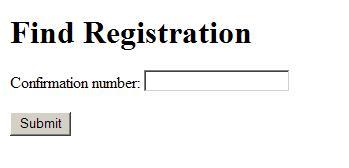
This example demonstrates how to fetch registered user infomation with the help of appropriate user input. In this example user will enter confirmation number that is 1 and 2.
The user authentication example below demonstrates how to authenticate user in servlets.
The example allows the user to view their username and authentication mechanism as output.
The user info example below demonstrates how to use multiple servlets.
The example allows the user to view the list of customers where user can edit or delete customer details.
Run It Now!
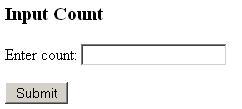
The simple input count example below demonstrates how to use HTML with servlets to build web applications.
The example takes input as integers from user and prints Hello world accordingly.
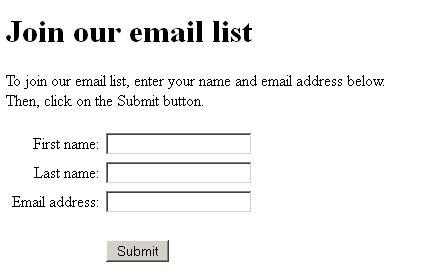
The mail-list example below demonstrates how to set initialization parameters in JSP and servlet.
This example takes firstname, last name and email from user, writes the details into a text files spe
The helloworld servlet example below demonstrates how to create a simple servlet.
The example allows the user to view the "Hello World" message as output.


 Run It Now!





 facebook
 twitter
 linkedin
 blog
blog