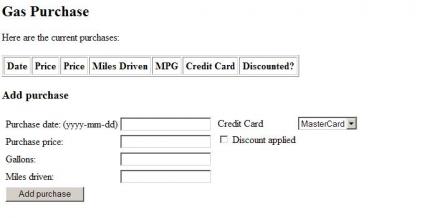
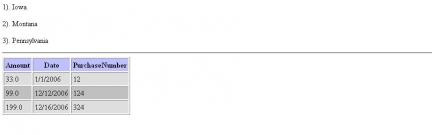
The online gas purchase store example below demonstrates how to use core tags and formatting tags in JSP.
This example accepts purchase details from user and adds them into the current purchases tabl
The simple login example below demonstrates how to create a login page in JSP.
The example takes two inputs as username and password from user and prints "Welcome back username" as output.
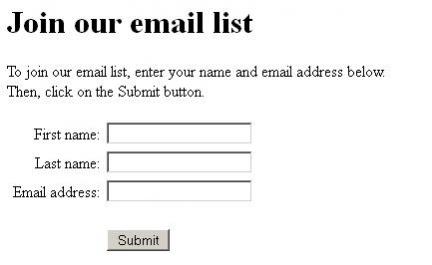
The mail-list example below demonstrates how to use JNDI with JSP.
This example takes firstname, last name and email from user,inserts the user details into the database and display it as an output.
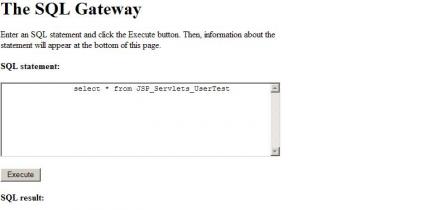
The SQL gateway example below demonstrates how to use SQL queries to view the result from database.
The example allows the user to fire sql queries to the database and view results.
The Shopping Cart example below demonstrates how to use sessions to save the purchase amount value.
The example allows the user to add items to a shopping cart, and then view the purchase amount of i
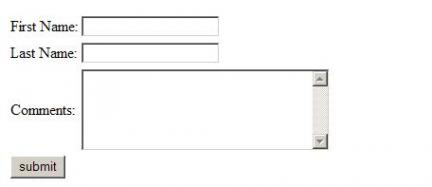
The sessions example below demonstrates how to save data using sessions.
The example allows the user to add user details and comment and view them as output.
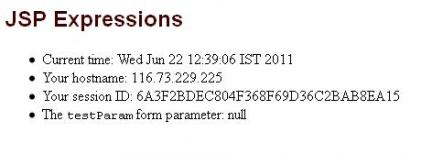
The JSP expression example below demonstrates how to use java scripting elements in JSP.
The example allows the user to view the current time,hostname and sessionID as parameter.
The simple custom tag example below demonstrates how to create custom tags in JSP.
The example below allows the user to view the record created by the Controller servlet.
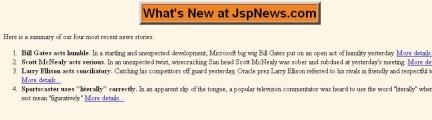
The jsp:include example below demonstrates how to use jsp:include action in JSP.
The example allows the user to view news content as output which is included in the jsp page.
The random greeting example below demonstrates how to use Java scripting elements in JSP.
The example allows the user to view random greetings generated by jsp.


 Run It Now!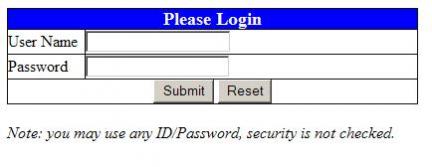



 facebook
 twitter
 linkedin
 blog
blog